It is not as easy communicating while on your Disney Cruise compared to let’s say a Disney Parks vacation. We all dream of completely unplugging while we are on a Disney Cruise Line vacation but in reality we often need to be able to reach home or work while we are sailing and we have some tips to prepare you before you sail away!
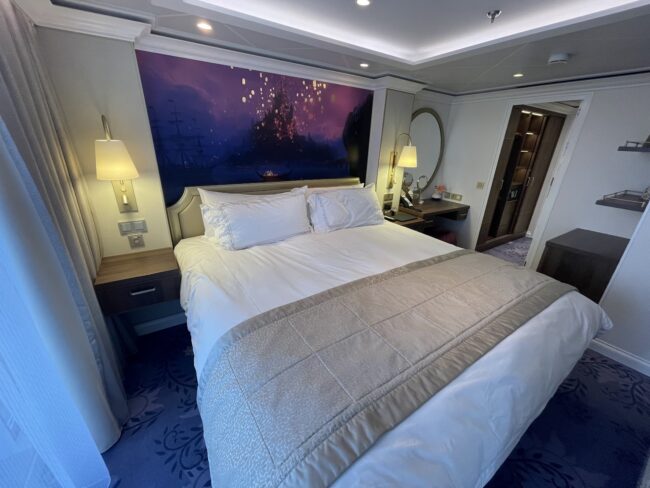
First Things First
It’s important that at least one adult on the ship brings a smart device or two. Once upon a time Disney Cruise Line provided wave phones to stay connected to your party, and provided printed onboard information but now that is all handled in the Disney Cruise Line Navigator app. If you haven’t already installed the app on your devices, do it prior to arriving at the cruise terminal.
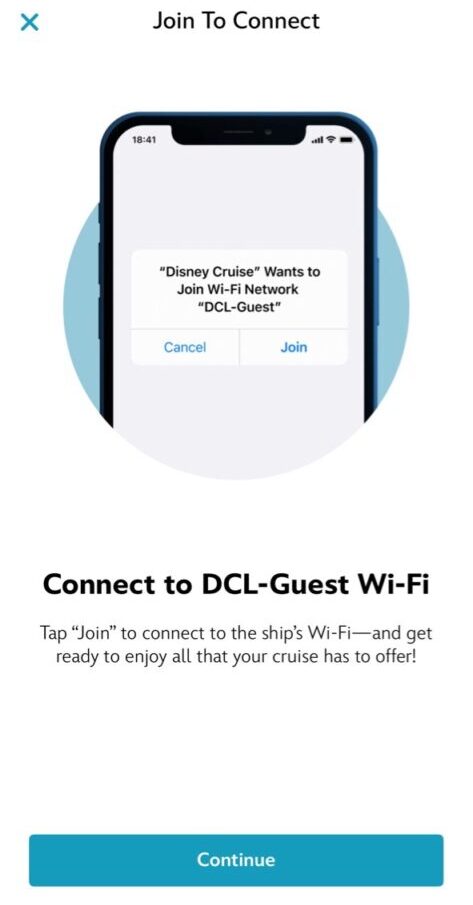
Not only will your smart device be crucial in keeping on top of things on the ship it will also allow you to keep in contact with those back on land when needed. There are multiple methods for communicating while on your Disney Cruise so let’s get into it!
Messaging for Free at Sea and at Disney’s Private Islands
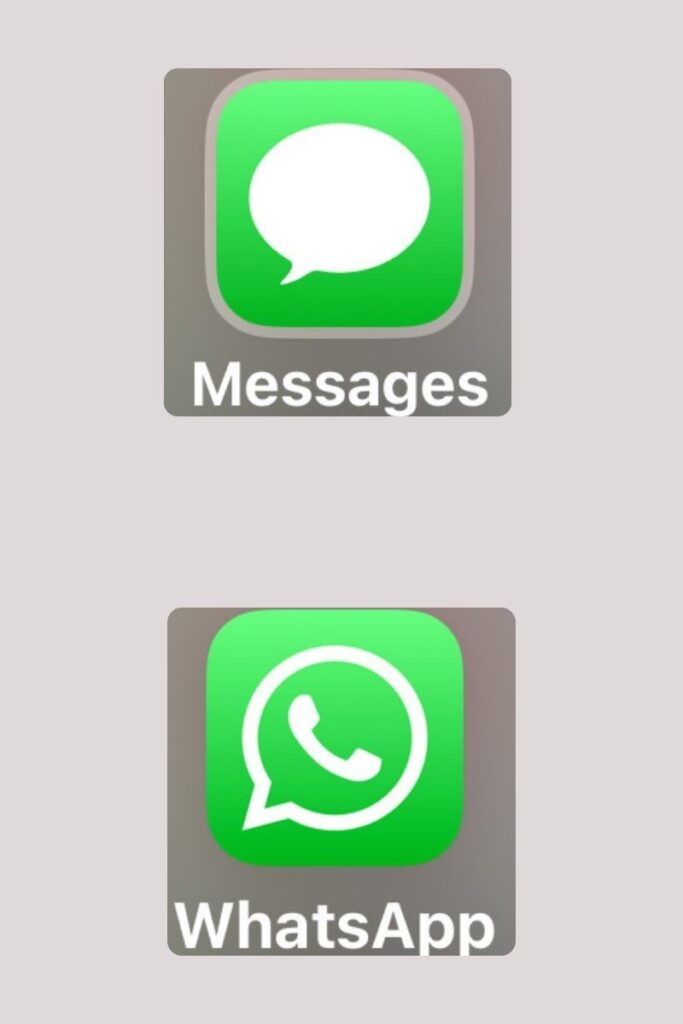
When you are on the ship’s free DCL-GUEST Wi-Fi network there are a couple of ways to message others back at home without having to buy an internet package. If you are an iPhone user, you will be able to iMessage iPhone users back at home which is very easy. However, we know not everyone back home can use iMessaging so we have to get a little more creative for those green bubble friends and family. The good news is that WhatsApp will also work with the ship’s free Wi-Fi. Make sure you and your friends and family you may need to get in touch with back home both have WhatsApp downloaded and test it out prior to your cruise. These methods will work on the ship and also at Castaway Cay & Lookout Cay.
Emailing & Social Media
If you’re looking to send emails or want to use social media, you will need to purchase one of the internet packages that Disney Cruise Line offers. Currently there are two internet packages available for purchase.
Internet Package: Stay connected on social media, browse the web, and access your emails. This package will support email, web browsing, social media, short form videos such as Instagram Reels & TikTok, Video calls like Zoom, and FaceTime.
Internet + Streaming Package: All the features of the Internet Package, plus faster connection speeds and full streaming access. This package will allow you to stream music, long-form streaming like YouTube, Netflix, and Disney+
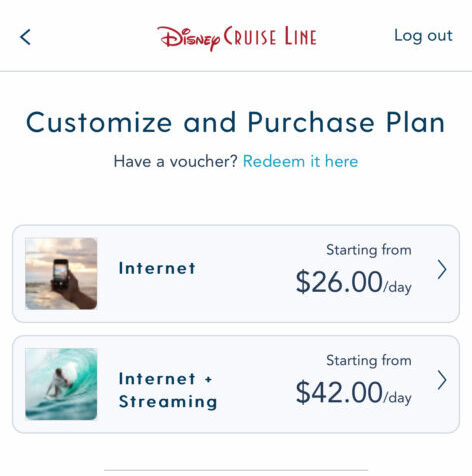
These packages can be purchased in 24-hour increments or for the length of the cruise. Keep in mind the pricing for Disney’s Wi-Fi packages is per device. To add an internet package, when you are on board the ship opens the Disney Cruise Line Navigator app and select “Connect to Internet”. This will open a browser for you to view the plans and purchase internet access.
Keep in mind onboard internet connects using satellites so service may be slower than you are use to and can be interrupted or unavailable at times.
Communicating while you’re in port
Check with your mobile phone carrier to see what International Passes are available. My family uses AT&T and when we are at international destinations we often connect to cell towers in port for $12 per day for unlimited talk, text and data. Each additional family member that would like to connect is only $6. When you use an option like this you use your phone just as you would back home and it’s a good option if you don’t need access every single day but want to check in with the real world.
If you don’t want to use your cell service provider’s international pass you could always find a cafe, restaurant or library in port that offers free Wi-Fi. While this is the most economical option these connections are usually not secure.
Cellular at Sea
The land-based international pass that you can use while you’re in port will not work when you are out at sea. To stay connected at sea you will want to look into Cellular at Sea. These cruise ship packages can be purchased through your mobile phone carrier and give you access to basic mobile phone service that can be used to make limited calls, text messaging and light data usage like checking email while not in port. This is a great option if you need to be available via calling while you are sailing.
More Tips
- Before you leave it’s a good idea to update your phone settings to minimize data usage. Turn off cloud backups and background syncing to Wi-Fi only or turn them off completely to not eat up any data balances. It is also a good idea to adjust roaming settings for voice, text messages and data so you don’t get any surprise charges.
- Download any podcasts, e-books, music etc you will want for the cruise before you arrive to the cruise terminal otherwise you will need to connect to the internet to access these creature comforts.
- Switch your phone to airplane mode when boarding the ship. When sailing from U.S. based ports we usually do this when the Sail Away party begins so we don’t forget.
Do you want to sail away on a Disney Cruise?
If you’d like help planning your next vacation I’d love to help! Send me an email at melissa.griffith@themagicforless.com. You can also fill out a no-obligation quote request! Feel free to follow me on the socials and sign up for my newsletter.

